
Our sites in Chrome and every other app on Android
The app's own browser is the short way to our sites and needs nothing installed. This page is the other way: making our names work everywhere on the phone — in Chrome, in any app that opens a link.
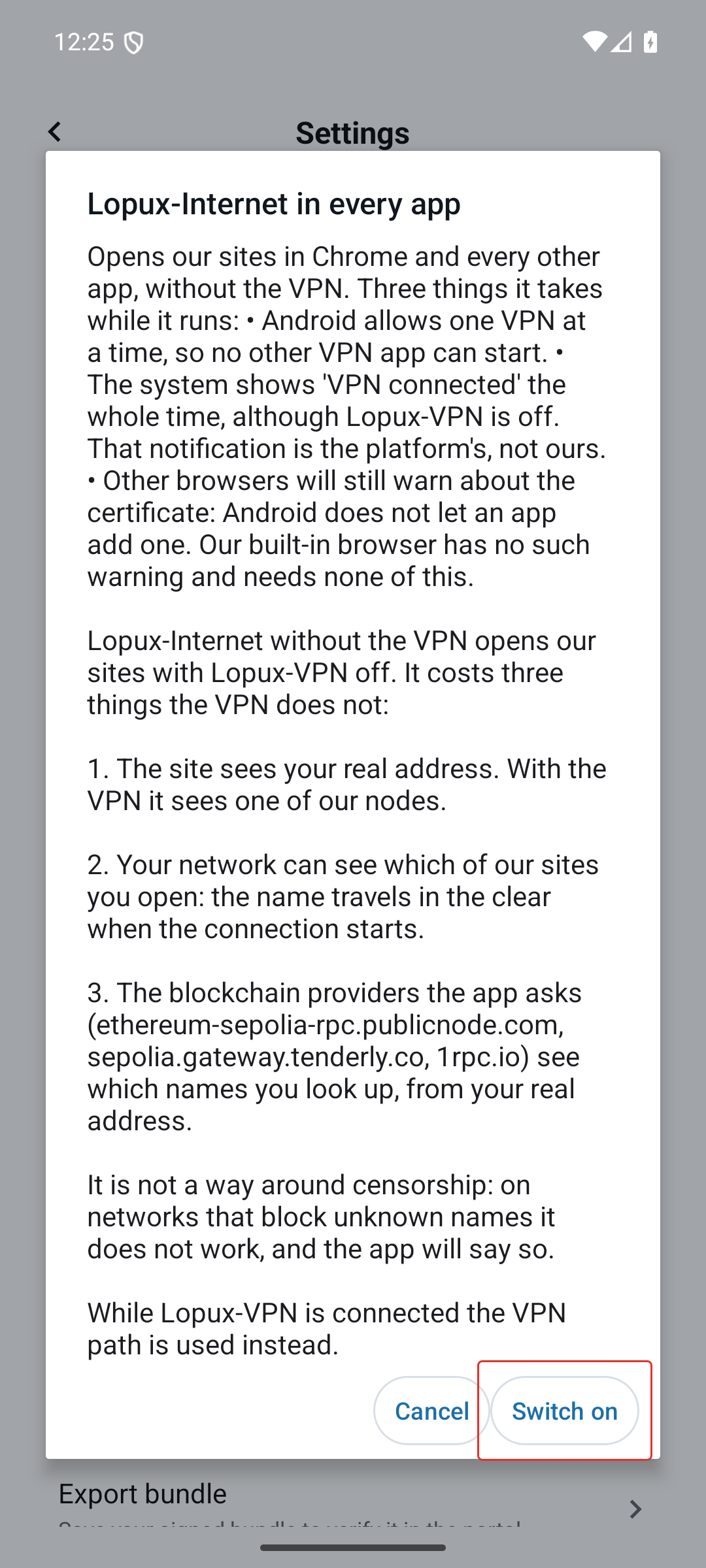
It costs more, and the costs are real. Read them before you start; the app states them too, on the screen before the button.
What it takes while it runs
- Android allows one VPN at a time. While this mode is on, no other VPN app can start. That is the platform's rule and we cannot soften it.
- The system shows "VPN connected" the whole time — on a mode whose point is "with the VPN off". The key icon and the notification belong to Android, not to us.
- Other browsers still warn about the certificate. Android does not let an app add a certificate authority, so Chrome will say the connection is not private until you install ours by hand. The built-in browser has no such warning and needs none of this.
If none of that is worth it, use the built-in browser instead — for most people it is the whole answer.
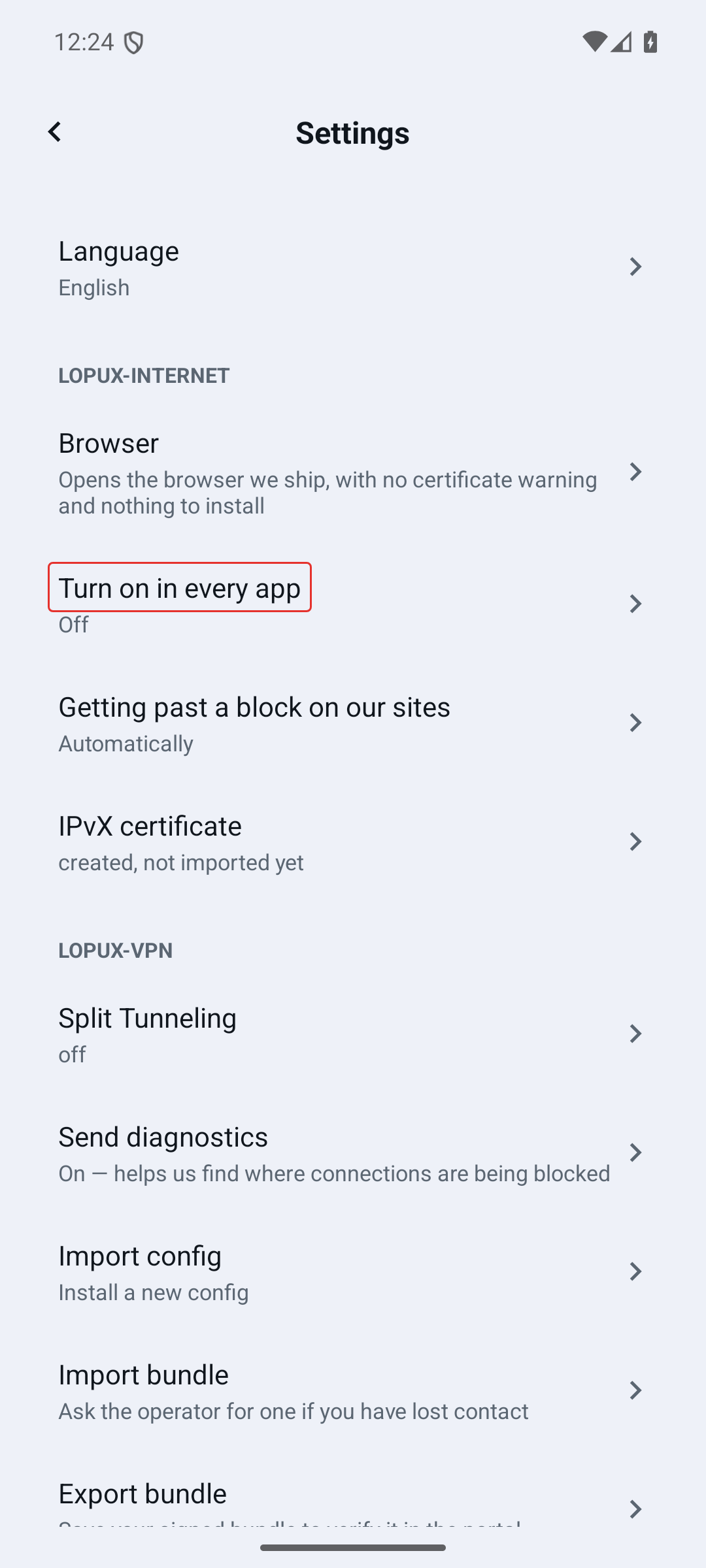
1. Settings → Lopux-Internet → Turn on in every app
2. Read the three costs
The same three as above, with the consent for the direct mode below them.
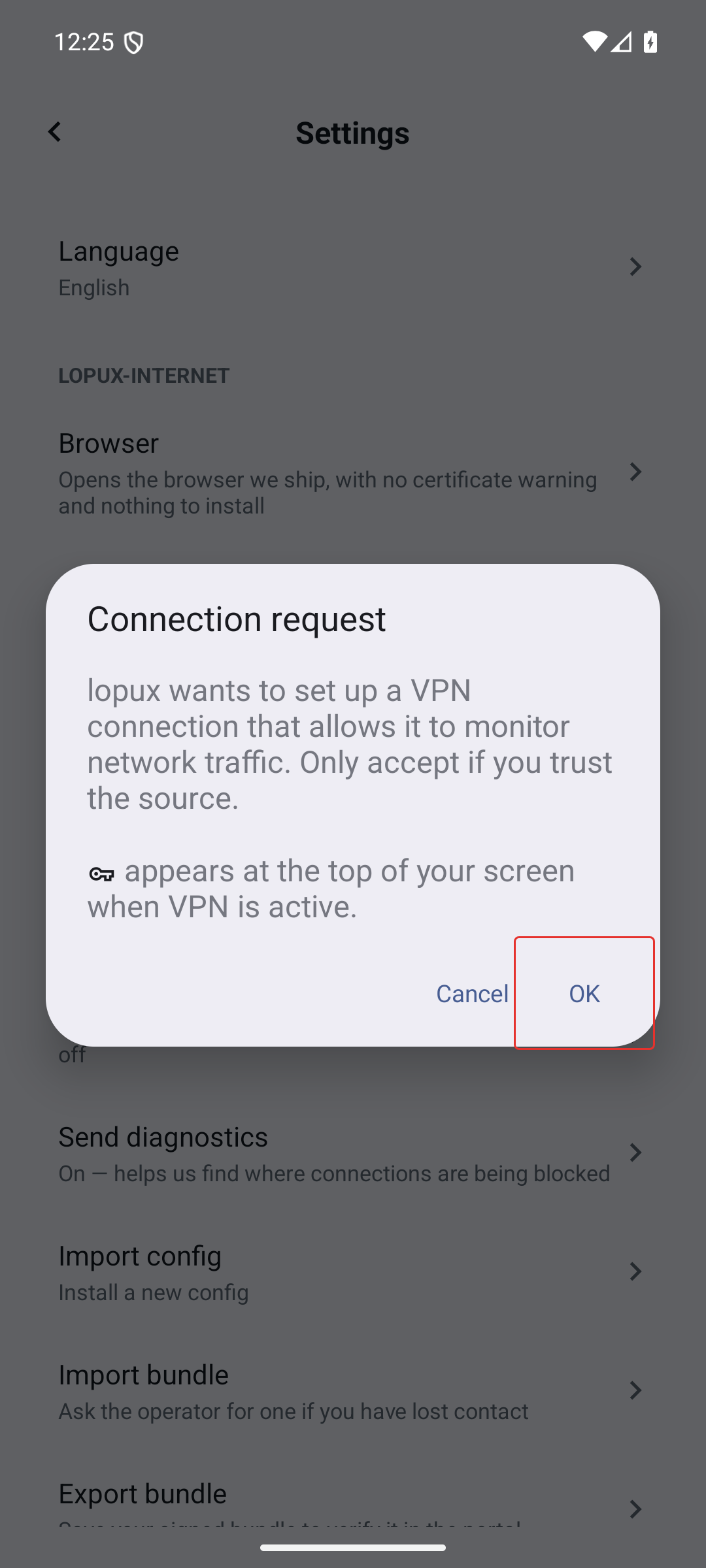
3. Let Android set up the VPN connection
This dialog is Android's, not ours, and it is asked once per device. Its wording is alarming by design: it is the same question any VPN app has to ask.
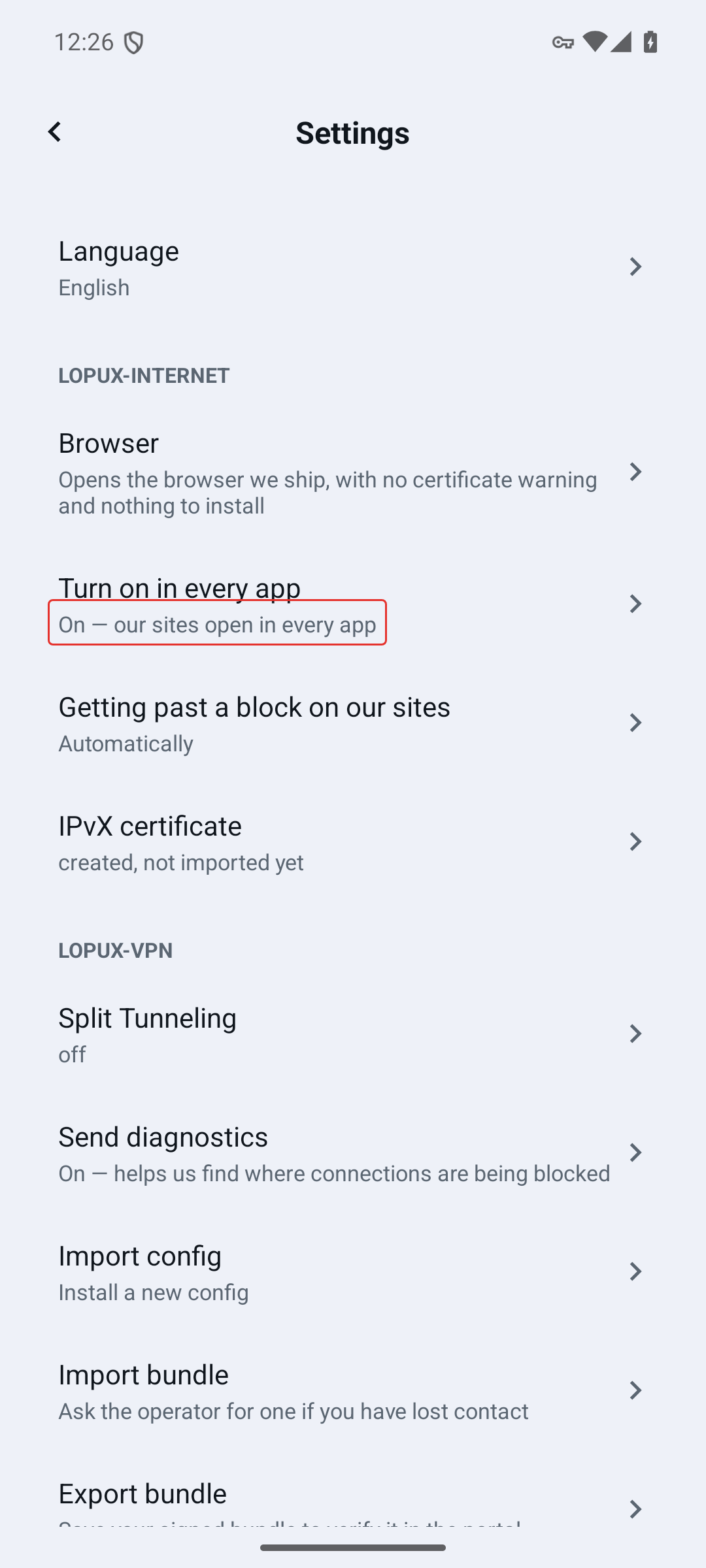
4. It is on
The row says so. The key icon appears in the status bar and stays there while the mode runs.
5. Open one of our names in Chrome
Here is what you will see without the certificate: Chrome warns, because it does not know who issued ours.
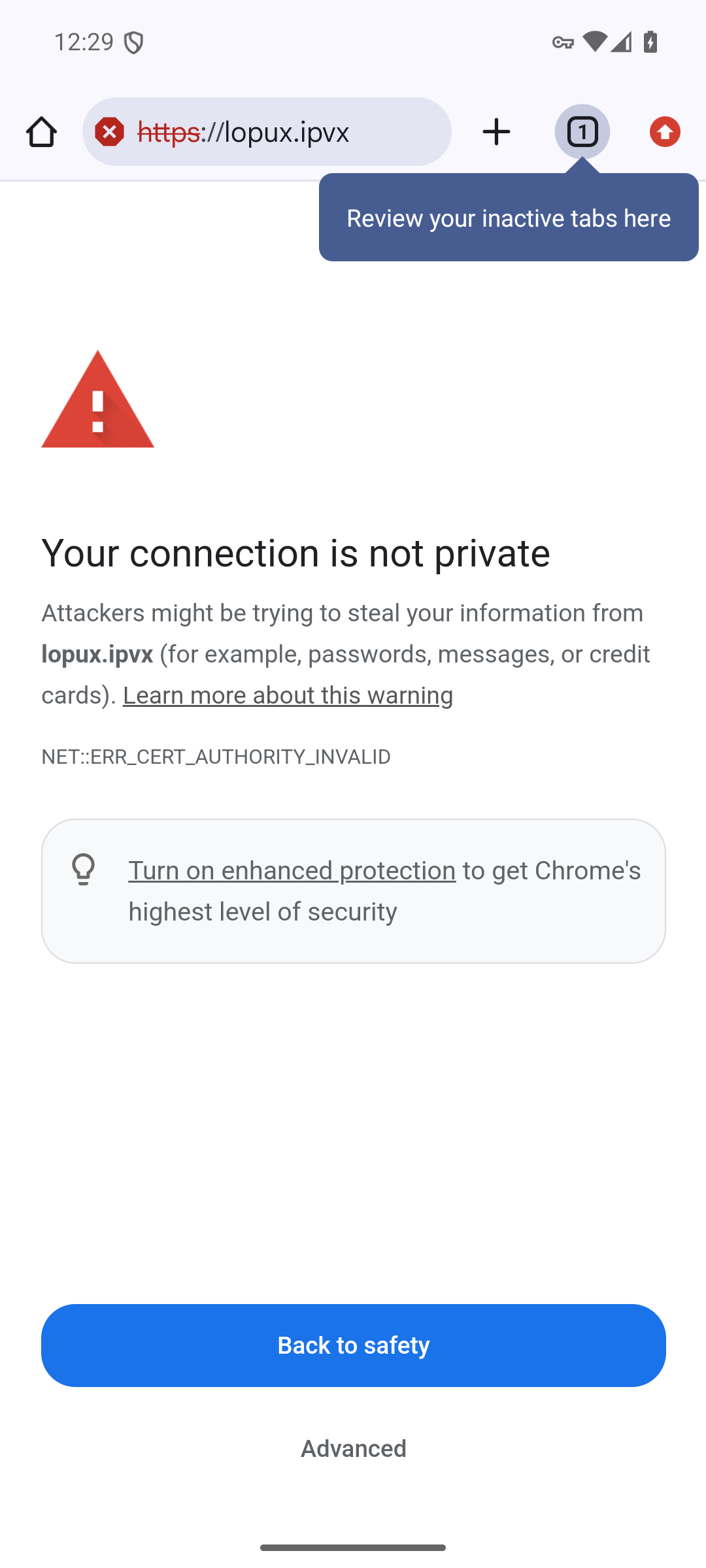
The site is reachable — that is what this mode did — but the warning stays until the certificate is installed. Past it, the site loads normally.
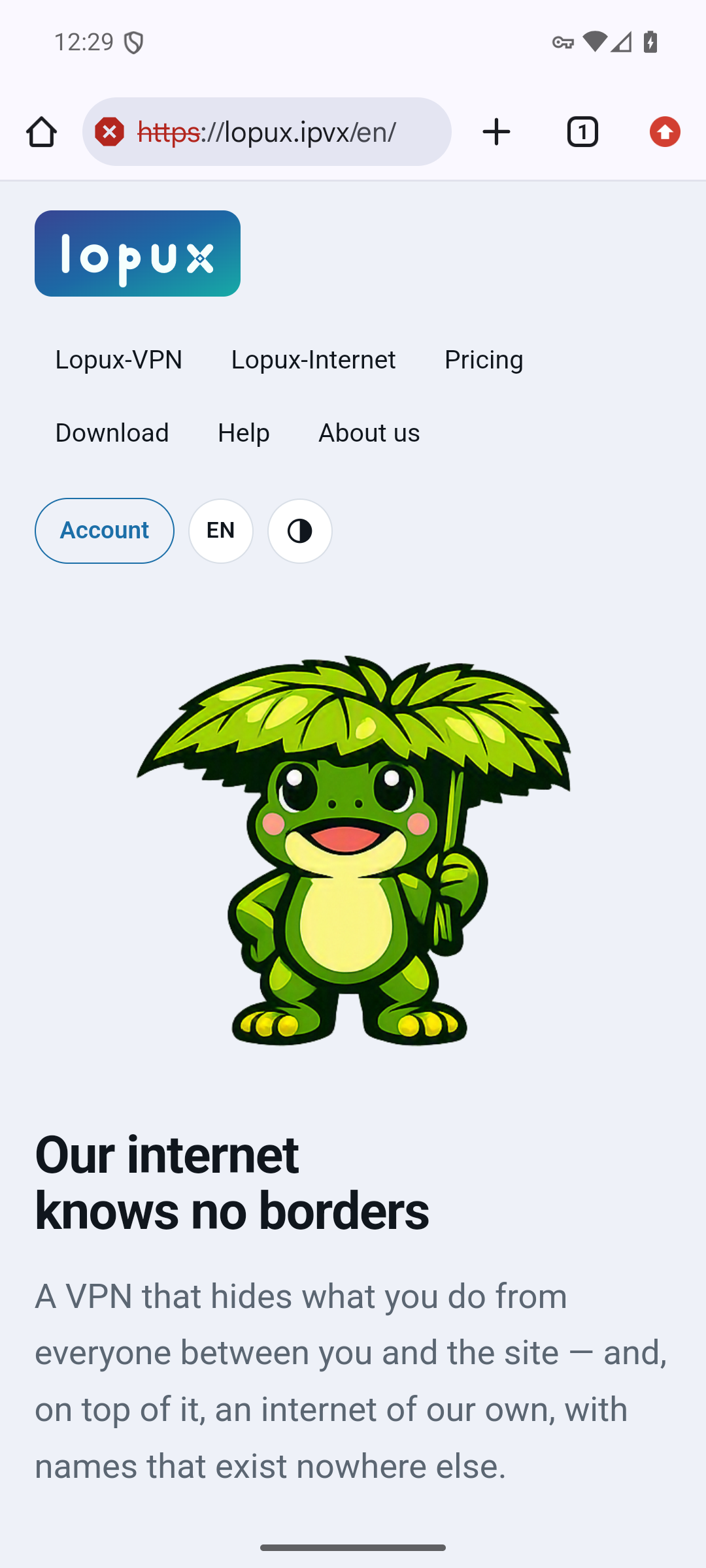
To remove the warning, install the certificate: Settings → Lopux-Internet → IPvX certificate, and the app walks you through what Android asks. It is a few taps in the system settings, and it gives an ordinary padlock on our names in browsers — not in other apps, which have not trusted user-added authorities since Android 7.
Turning it off
The same row, tapped again. The VPN slot is released at once and other VPN apps can start.