
Opening our sites when the VPN will not connect
Lopux-Internet normally works through the tunnel: the app looks a name up and checks its key over the VPN. This guide turns on the other way — our sites opening with Lopux-VPN off — for the days when the tunnel does not come up at all.
It is not a way around censorship. It opens our sites, not a blocked site somewhere else. On a network that blocks unknown names it does not work, and the app says so rather than leaving you guessing.
It is off until you turn it on, and turning it on costs three things. They are on the screen before the button that acts on them, which is the point of this page.
The screenshots show the English interface. The app speaks six languages; pick yours with the language button in the bottom-left corner.
1. Open the Lopux-Internet section
It is in the left-hand list. Under the main switch there is a second block, Without the VPN.
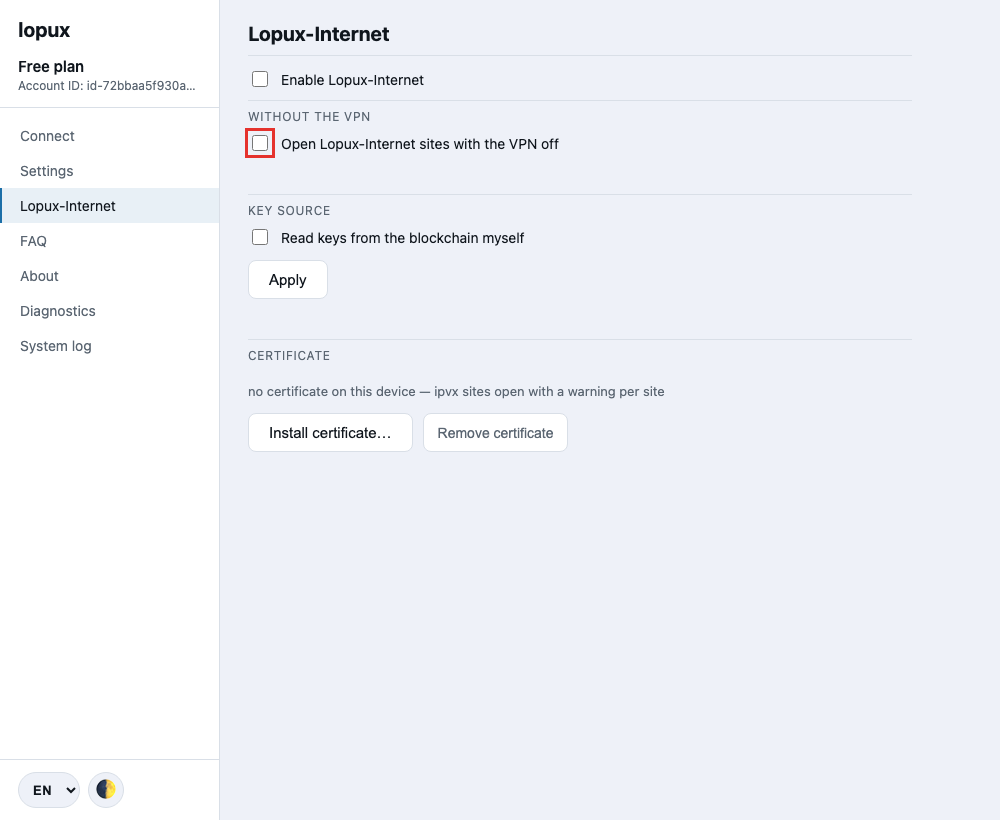
2. Read what it costs
Ticking the box does not turn anything on. It shows what the mode spends, and only the button below that text switches it on.
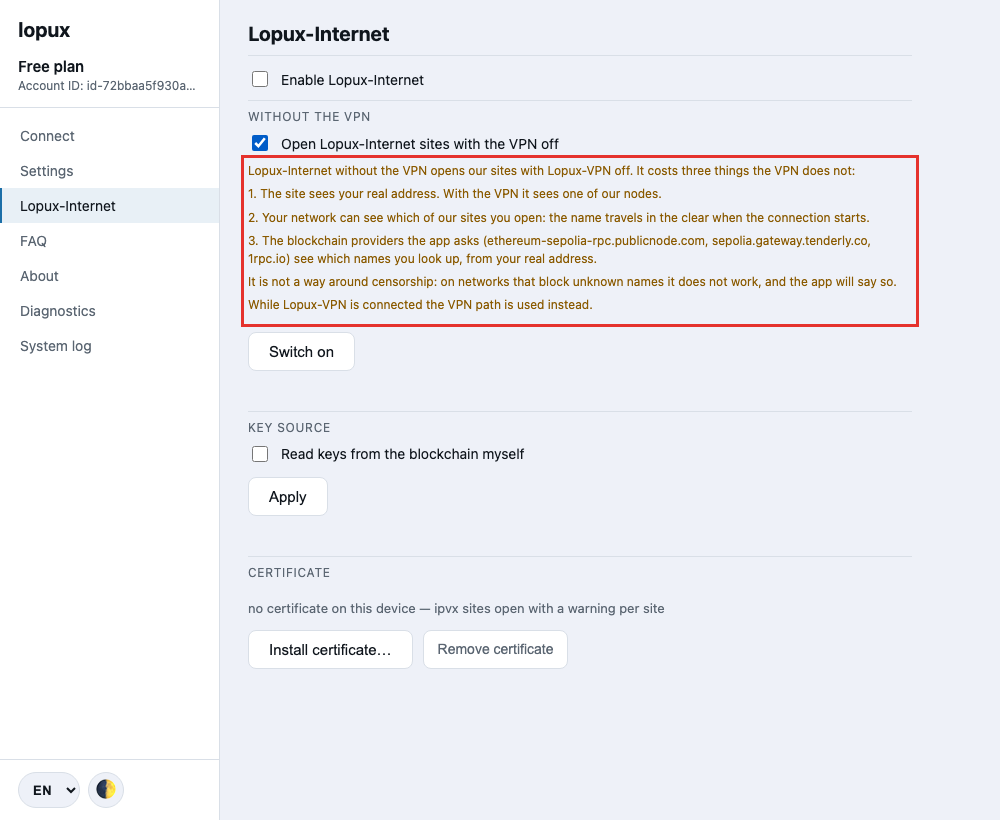
Three things, and none of them applies while the VPN is connected:
- the site sees your real address. Through the VPN it sees one of our servers instead;
- your network sees which of our sites you open. The name travels in the clear at the start of the connection, and we cannot hide it without the tunnel;
- three public blockchain providers see which of our names you looked up, and from where. The app reads each site's address and key from a public registry rather than from any server of ours.
If any of that is not acceptable, close the section: nothing has changed.
3. Switch it on
Press Switch on. The line underneath says the mode is on and where your browser now reaches our sites.
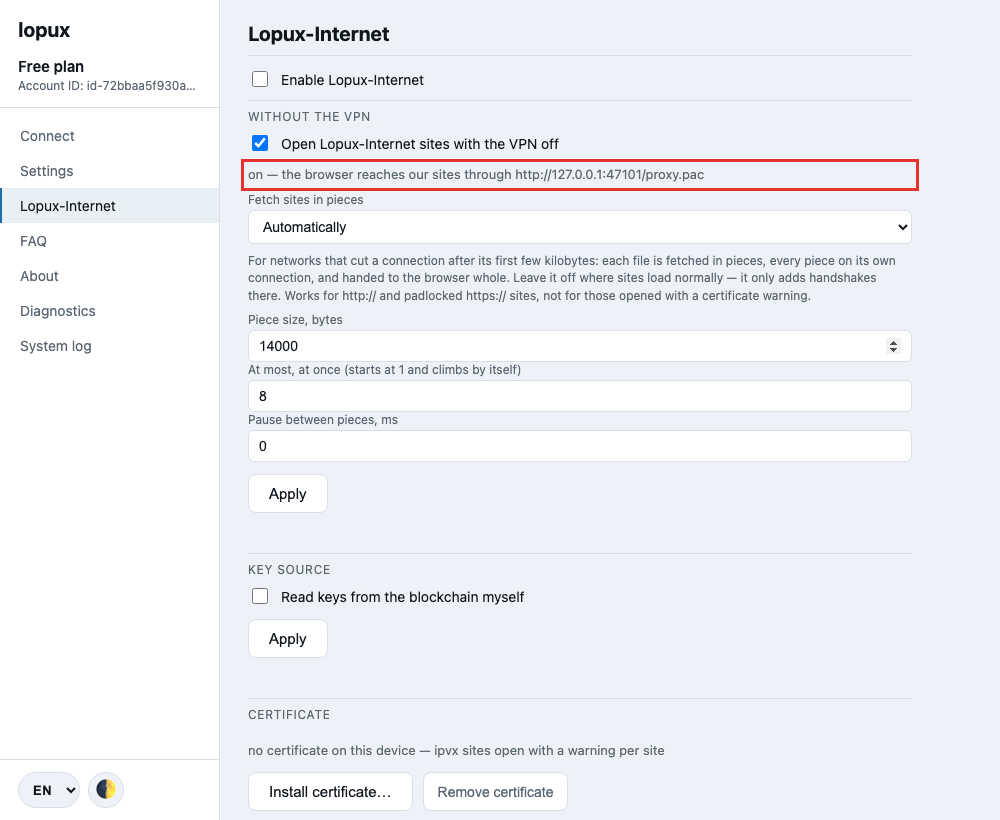
From here, lopux.ipvx and any other name of ours opens in your ordinary browser with the VPN disconnected. Connect the VPN and the tunnel takes over again — it is the better path and the app prefers it without being asked.
4. If a site stops loading half-way
Some networks let a connection start and then stop it after the first few kilobytes. A page then arrives partly: the text appears, a picture stops midway, the next click does nothing.
The app can answer that by fetching each file in pieces, and it decides per site, by itself — the setting below the switch is on Automatically and most people never touch it.
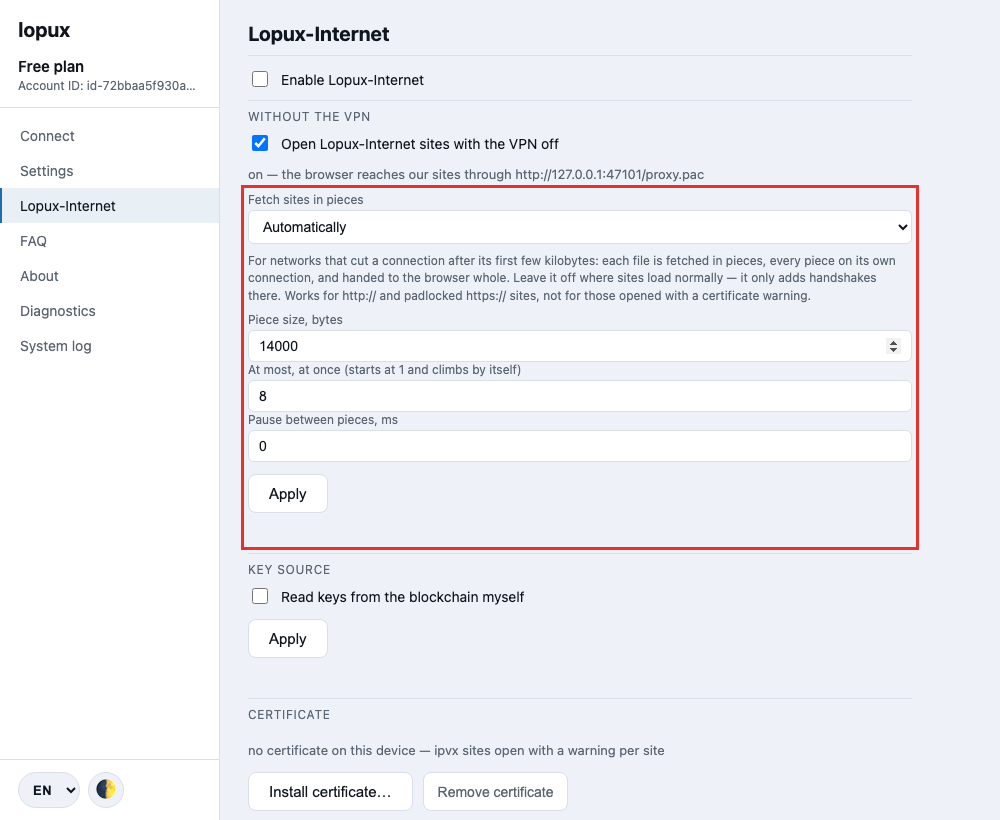
See Getting past a block on our sites if you want to know what the three modes do, or if a site is still not loading.
Turning it off
Untick the box. It stops at once and takes nothing with it: no certificate is touched, the VPN is unaffected, and the next time you want it the consent is shown again.